
How to play Costcodle
Updated 2026-09-30. Sources are linked in the text.
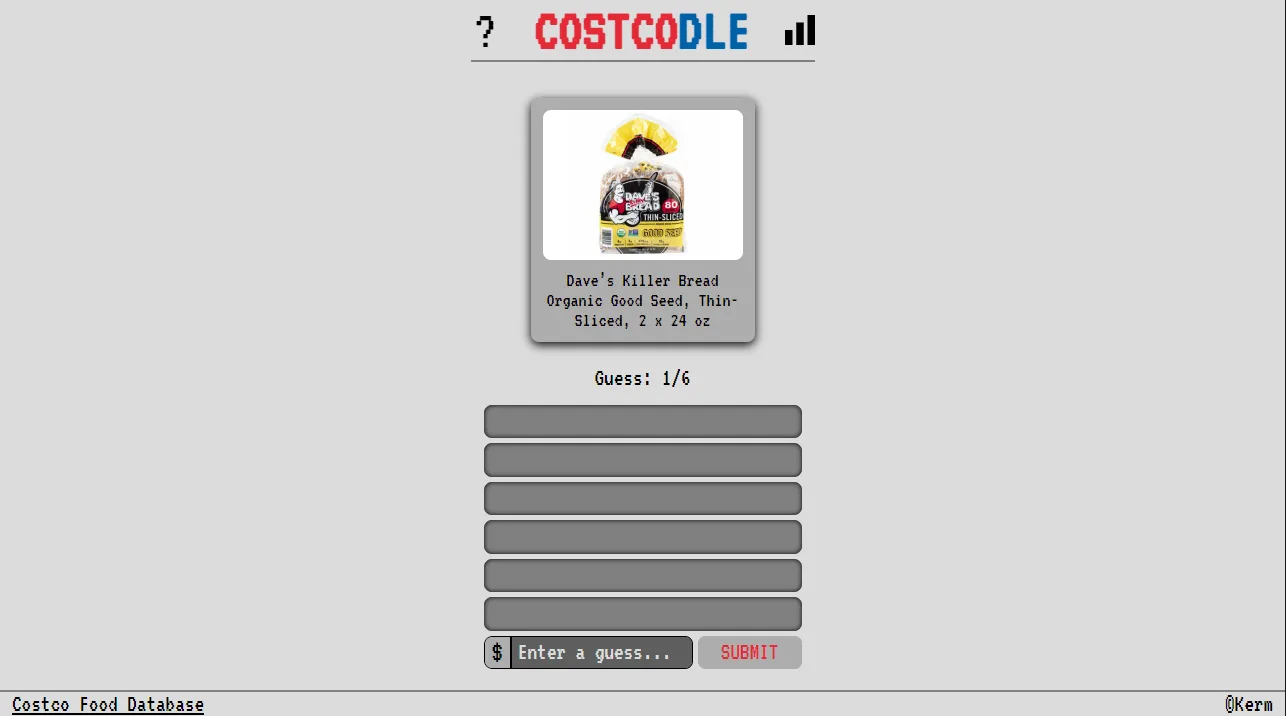
I opened the rules overlay on costcodle.com and then read scripts/main.js on 2026-09-30. The sentences below follow that code, not a retelling from another guide site.
The six guesses
The overlay says: guess the Costcodle in 6 tries, each guess must be a valid price, and a new puzzle arrives every day. You type a dollar amount. Commas are accepted and the field formats two decimals. An empty or nonsense entry shows the toast Invalid Guess.
What the colors mean
The win test is absolute percent away of 5 or less. percentAway is your guess divided by the shelf price, times 100, minus 100. A guess inside that band ends the round. Farther than 25 percent paints the row red. Inside 25 percent, but outside 5, paints it yellow.
- An up arrow means your guess was under the shelf price.
- A down arrow means your guess was over the shelf price.
- A check mark means the guess landed inside the 5 percent win band.
The sample round on the official page
The info overlay walks a sample. A $10.00 guess sits more than 25 percent under the target, so it is red with an up arrow. $18.00 is too high but inside 25 percent, so it is yellow with a down arrow. $16.00 is inside 5 percent and wins. I use that sample when I teach a friend, because the numbers are printed on the game itself.
When the puzzle changes
main.js computes gameNumber as Math.ceil(elapsed milliseconds since local 2023-09-21 midnight divided by 86,400,000) + 1. It is not a strict calendar-day counter: it can tick just after midnight and vary around daylight saving changes. This archive labels each UTC day with the puzzle visible at noon UTC, so the calendar URLs stay stable.
Checked 2026-09-30 against costcodle.com and KermWasTaken/costcodle main.js. The repository's last push recorded by GitHub was 2025-10-15.